
Sign Up & Billing
How sign-up works, paying from day one, demo access, and picking a Trade pack.
You pick a plan, pay for your first month at signup, and you're a customer from day one. Want to look around before paying? Ask for demo access and we'll set you up with a stocked evaluation workspace.
How signup works
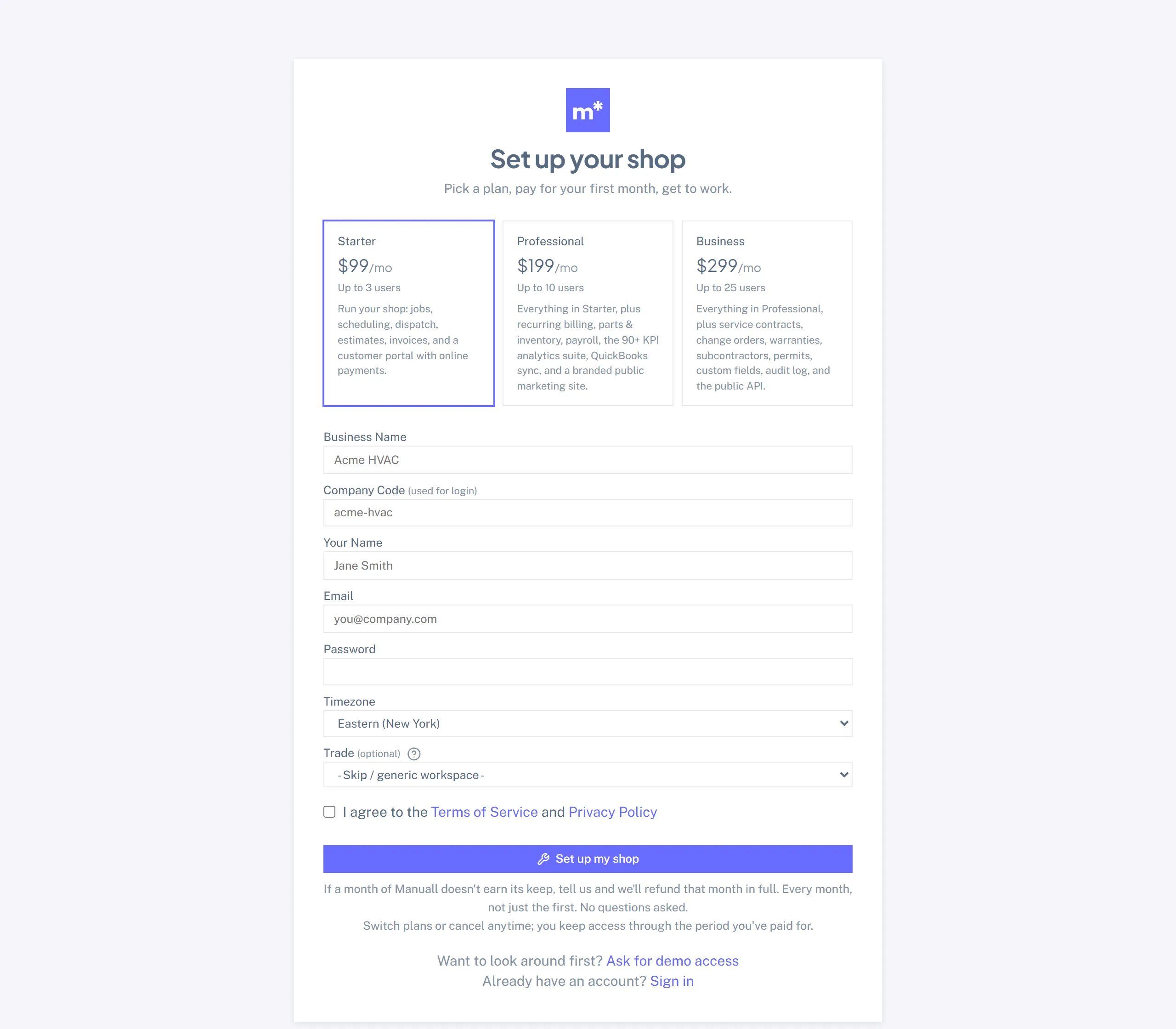
- Open the signup page. Click Get started on the marketing site, or go to
/signup. The form is short on purpose. - Pick a plan. Starter, Professional, or Business, priced per month right on the form. You can move between plans any time later in Settings -> Billing.
- Pick a Company Code. This is the short handle your team types at login (for example
acme-hvac). It also forms your public booking URL:/book/your-code. Kebab-case, no spaces. You can change it later in Settings -> General, but doing so signs everyone out and breaks any link you've already shared, so pick well. - Pick your Trade. The Trade dropdown decides which vertical pack lands in your fresh workspace. More on that below.
- Set up the admin account. Your name, email, password. The email becomes your login. Passwords are stored one-way hashed, so Manuall never sees your plaintext.
- Pay for your first month. We hand off to Stripe; your card is charged for the plan you picked, and the subscription renews monthly from there.
- Done. You are logged in and working.
Want to see it before you pay?
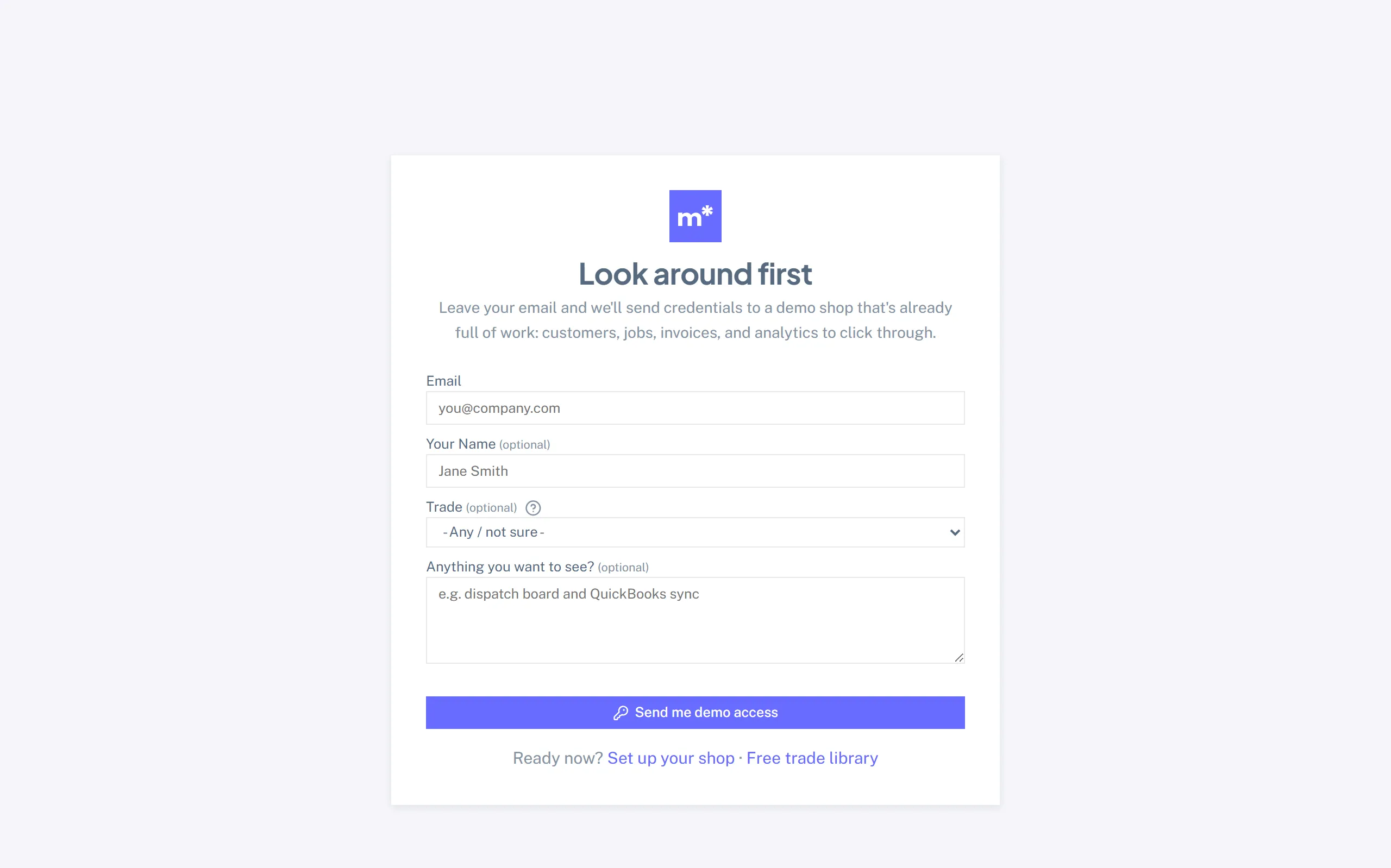
Ask for demo access: leave your email and trade, and we'll reply with credentials to a fully stocked evaluation workspace (realistic customers, jobs, invoices, analytics) so you can poke around everything before spending a dollar. The public trade library is also free to read, no account needed.
What the Trade dropdown does
Thirty-three vertical packs ship today: HVAC, Plumbing, Electrical, Cleaning, Lawn Care, Pool Service, Pest Control, Garage Door, Appliance Repair, Carpet Cleaning, Pressure Washing, Window Cleaning, Handyman, Roofing, Painting, Tree Service, Gutters, Septic, Deck Building, Fence Contractor, Concrete Contractor, Chimney Sweep, Generator, Solar, Water Treatment, Foundation Repair, Mold Remediation, Window Replacement, Junk Removal, Locksmith, Water Restoration, Security Systems, and Flooring. Picking a Trade at signup applies the matching pack to your workspace automatically.
Each pack adds:
- Custom fields on Customers, Jobs, and Equipment: the trade-specific data your crew actually captures (HVAC gets refrigerant type, tonnage, SEER; Plumbing gets water-heater age, fixture brand).
- Job templates for the 8 to 9 most common job types in the trade, with estimated duration and required skills already filled in for the slot finder.
- Services in the Price Book: around 15 common offerings at national-average 2025 pricing, flagged for review.
- Checklists: 3 trade-standard quality checks.
Pack prices are starting points, not quotes.
Pack services arrive badged "Set your price" in the Price Book. They are U.S. national-average estimates for 2025. Your costs swing with region, demand, brand, and how you sell. Review every price before you quote a customer.
Don't see your trade?
Pick the closest pack, or leave the Trade blank. Every Manuall feature works without a pack. A pack just gives you a running start. You can apply one later from Settings -> Vertical Packs.
Run more than one trade? Plenty of shops do. Apply multiple packs to the same workspace: re-applying is non-destructive, so a second pack only adds what the first one didn't ship. HVAC + Plumbing is the common combo.
What each plan includes
| Plan | Starter | Professional | Business |
|---|---|---|---|
| Billing | monthly or annual, from day one | monthly or annual, from day one | monthly or annual, from day one |
| Users included | 3 | 10 | 25 |
| What you get | core ops (jobs, customers, estimates, invoices, dispatch, price book) | + recurring work, parts and inventory, expenses, fleet, Analytics, QuickBooks, Scheduled Delivery | + service contracts, change orders, warranties, subcontractors, permits, custom-field definitions, audit log, seasonal pricing, public API |
A little seat headroom.
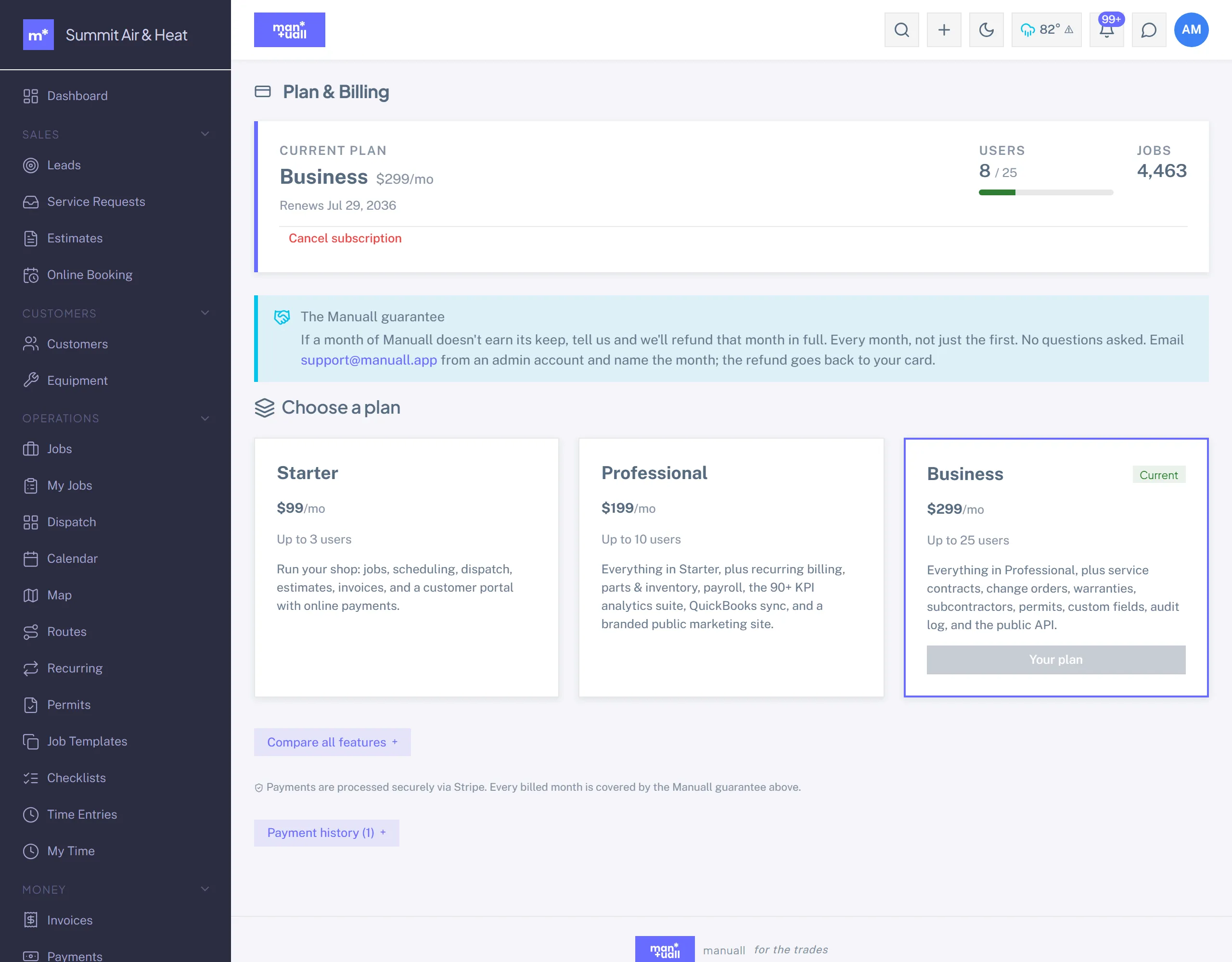
If you creep a little over your included seats after a hiring run, Manuall won't cut you off mid-stride. When it's time to grow for good, Settings -> Billing is where you move up a tier. Pricing lives on the marketing site and in Settings -> Billing. Your card and receipts live in Stripe's billing portal: Settings -> Billing -> Update payment method.
The one card-free way in: Pass the Wrench.
A Business-tier shop can cover a newer shop's first three months. The shop they sponsor accepts an invite and gets set up with no card, on Starter, free for three months (after that it's add-a-card or lapse). See Pass the Wrench.
Cancelling
Cancel anytime in Settings -> Billing; you keep access through the period you've already paid for.
A lapsed account is held at the billing page.
If you cancel and the period runs out, or a renewal charge fails, Manuall pins everyone in the account to Settings -> Billing until you resubscribe. You can still log in and pay to pick up exactly where you left off. Your data is not deleted.
SMS is included.
Text messages are bundled into the plan price. There is no separate SMS bill and no vendor account to wire up. Manuall runs the SMS infrastructure and absorbs the per-message cost up to fair-use limits.
Multi-business owners
One email can belong to more than one business, which is common for owners who run, say, an HVAC company and a plumbing company and want them kept separate under one email. After signup, have your second business's admin invite your email; a business-switcher pill then appears in your topbar.
See For Admins for the full multi-business setup.