
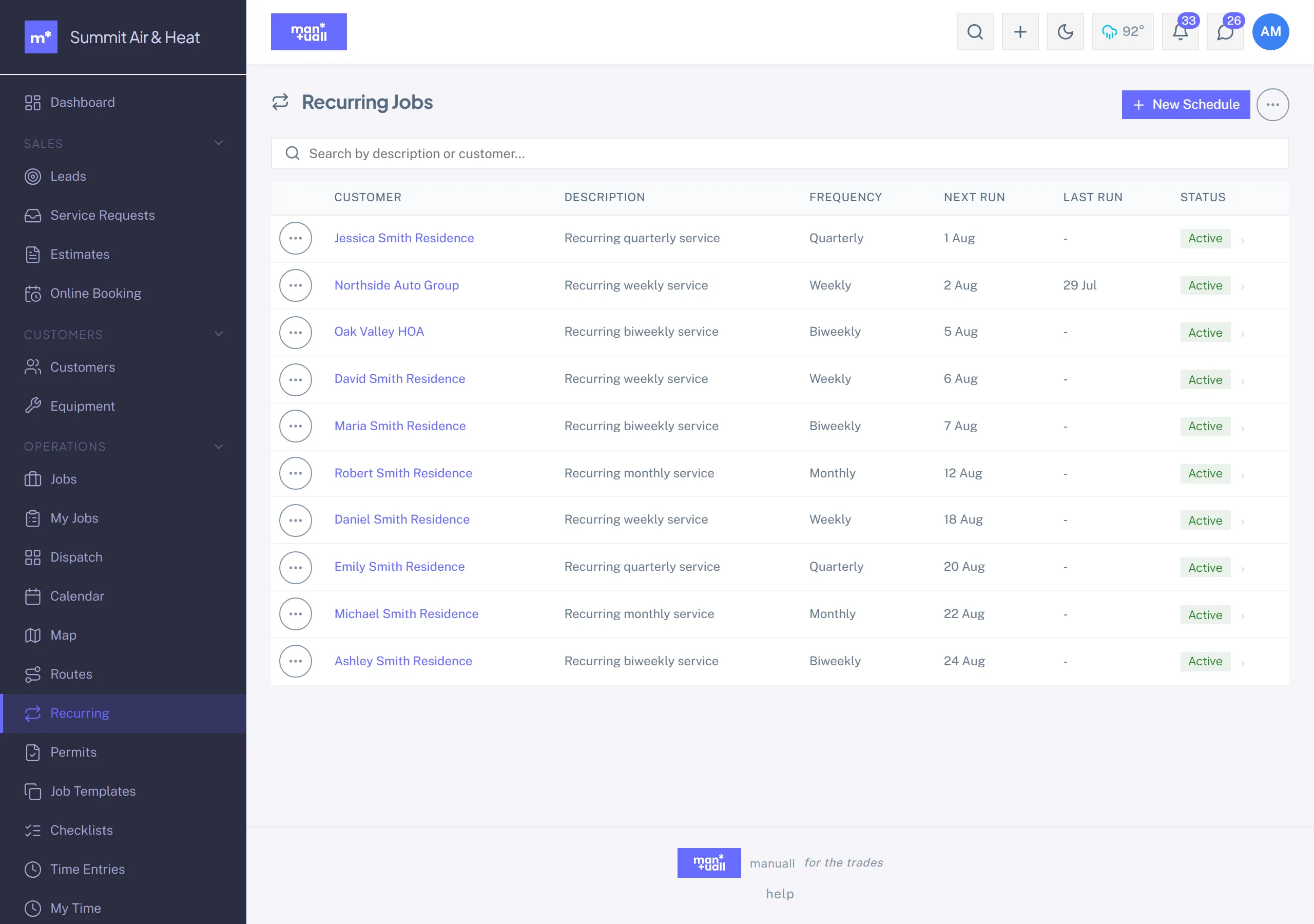
Recurring Jobs
Auto-generate a job each cycle: cadence, end rules, pause/resume, skip holidays.
A recurring schedule generates one Job per cycle for a customer, so maintenance agreements and standing visits run themselves. Cadence is Weekly, Biweekly, Monthly, Quarterly, or Annually, classified as Recurring, Maintenance, or Inspection.
Setting one up
- Sidebar -> Recurring (Operations group).
-
- New schedule.
- Customer, optional equipment, optional Job Template, cadence, first run date, and default tech.
- Save.
End rules
- End date: stop generating once the next run would pass this date.
- Max occurrences: stop after this many jobs. Manuall keeps a running count.
- Set both for belt and braces.
Skip holidays
Add blocked dates (for example Dec 25) and the generator slides that occurrence forward to the next normal cycle instead of booking work on a closed day.
Pause, resume, skip, generate now
Four admin actions, all written to the Audit Log. A paused schedule stops generating and blocks Generate one now and Skip next until you resume it, so an end rule or a pause can't be bypassed by hand.
Status badge
| Status | Means |
|---|---|
| Active | Generating on schedule. |
| Paused | Suspended, with a reason. |
| Ended | An end rule was reached. |
| Inactive | Manually deactivated. |
How generation runs
Manuall checks schedules in the background. Shortly after each due date a new Job appears and the next run date advances. Nobody has to remember.
Plan tier
Recurring Jobs is on Professional and up.