
Expenses
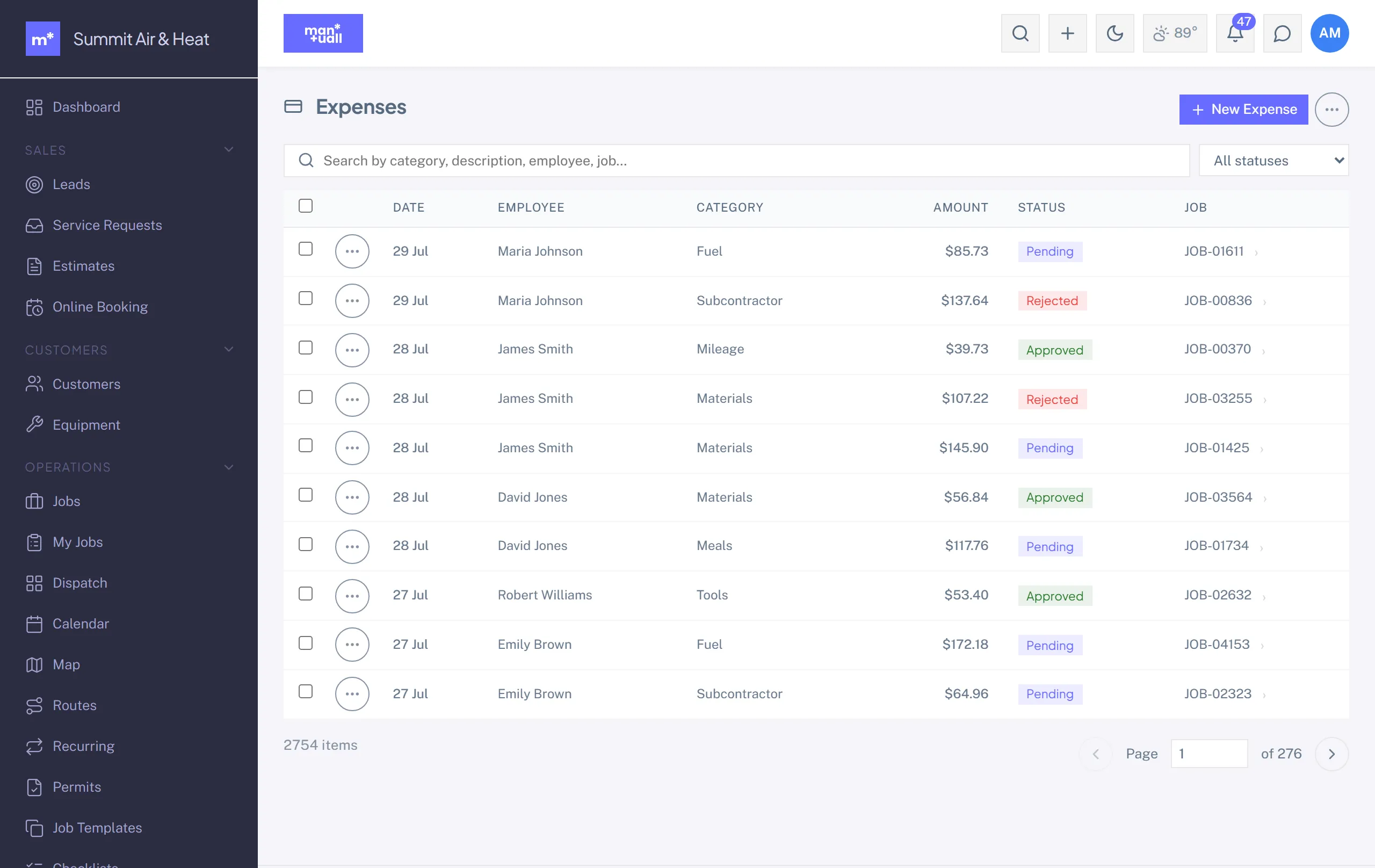
Employee expense tracking with categories, receipt attachments, and an approval flow.
Employee expense tracking, for the one-off purchases that didn't go through a Purchase Order.
Lifecycle
Pending -> Approved (or Rejected) -> Reimbursed. A manager can also send it back with a "need more info" note, which flags the expense amber and returns it to Pending when the employee resubmits.
Fields
- Employee, date, amount.
- Category: free-form text, for example Parts, Fuel, Tolls, Meals, or Lodging.
- Optional Job link, so the cost flows to that job.
- Receipt attachment (up to 10 MB).
Spending caps
You can set an optional cap per category. An over-cap expense raises a warning banner but does not block submission, so a manager still gets to make the call.
In Analytics
Analytics -> Expense Analytics: total expenses, by category, by employee, by job, plus approval rate.
Plan tier
Expenses is on Professional and up.