
Dispatch Board
Drag-and-drop board for assigning jobs to techs. Tech lanes, conflict warnings, day and week views.
The Dispatch board is a drag-and-drop view of the day's work: one lane per active tech plus an Unassigned lane. There is a day view (/dispatch) and a week view (/dispatch/week).
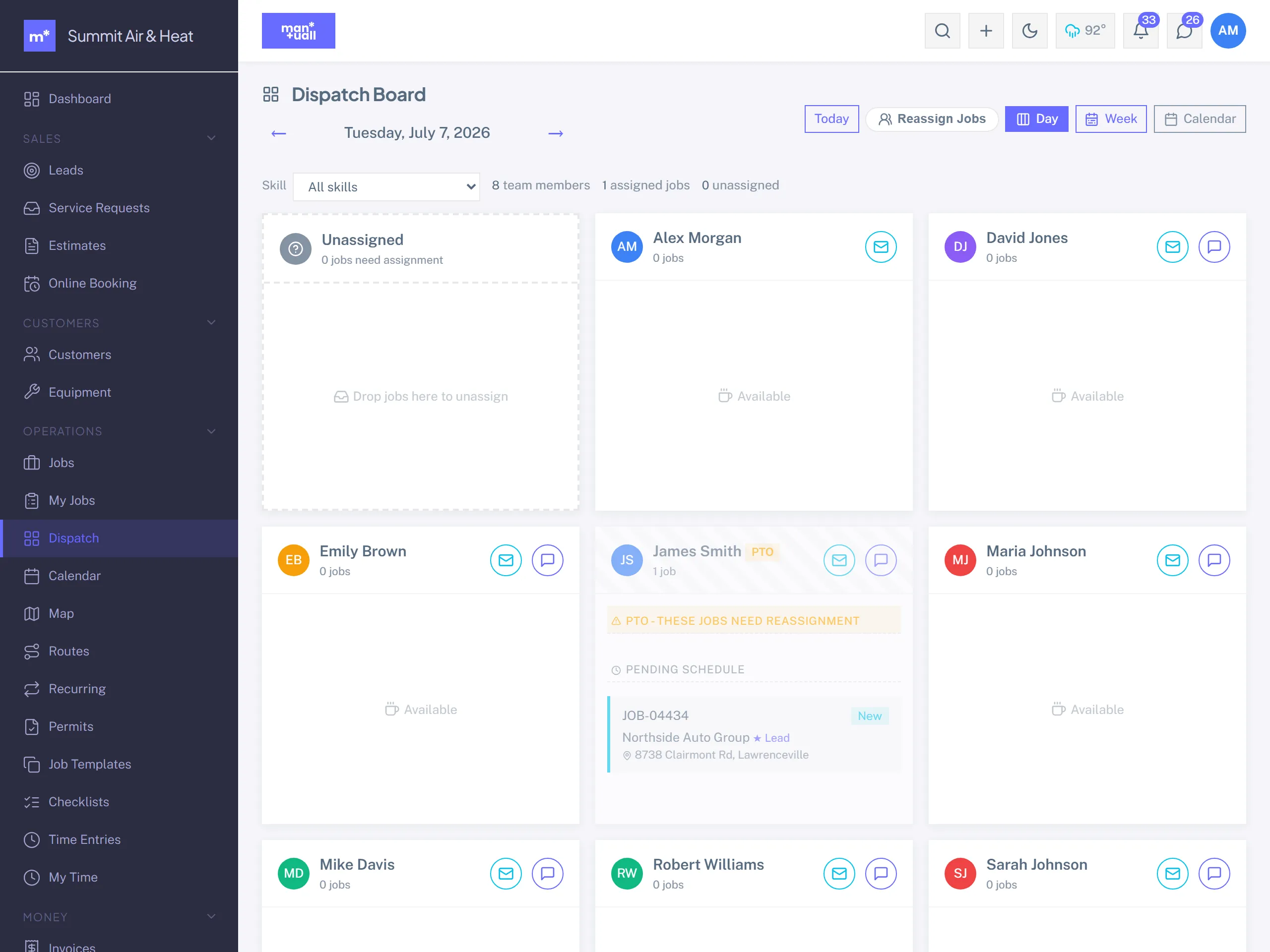
Drag-and-drop assignment
- Drag a card from Unassigned onto a tech's lane to assign it.
- Drag between lanes to reassign.
- Drop a card back to Unassigned to unassign it. The job reverts to New.
Conflict warnings
Drop a job on a tech who is already booked in that window and Manuall stops you, names the clashing job, and asks you to confirm before it double-books. The slot finder warns you up front; the board is the backstop if you place a job by hand.
Customer heads-up on reassign
When you move a scheduled job to a different tech and the customer has an email on file, Manuall can send them a quick "your tech changed" note so nobody is surprised at the door.
Card content
Job number and customer, service or template name, the scheduled window, a status badge, and a one-line address. Click a card for the full Job detail.
Filters
Date (defaults to today), status, service area, and tech.
Bulk reassign
Tech out sick? Reassign their whole lane in one move, or use the Jobs list bulk Assign.
Visible to
Admin, Manager, Dispatcher.
Plan tier
Dispatch is on every plan.