
Purchase Orders
Raise POs to suppliers, run them through approval, receive into stock.
Outbound orders to suppliers: line items, totals, and receiving into stock.
Status
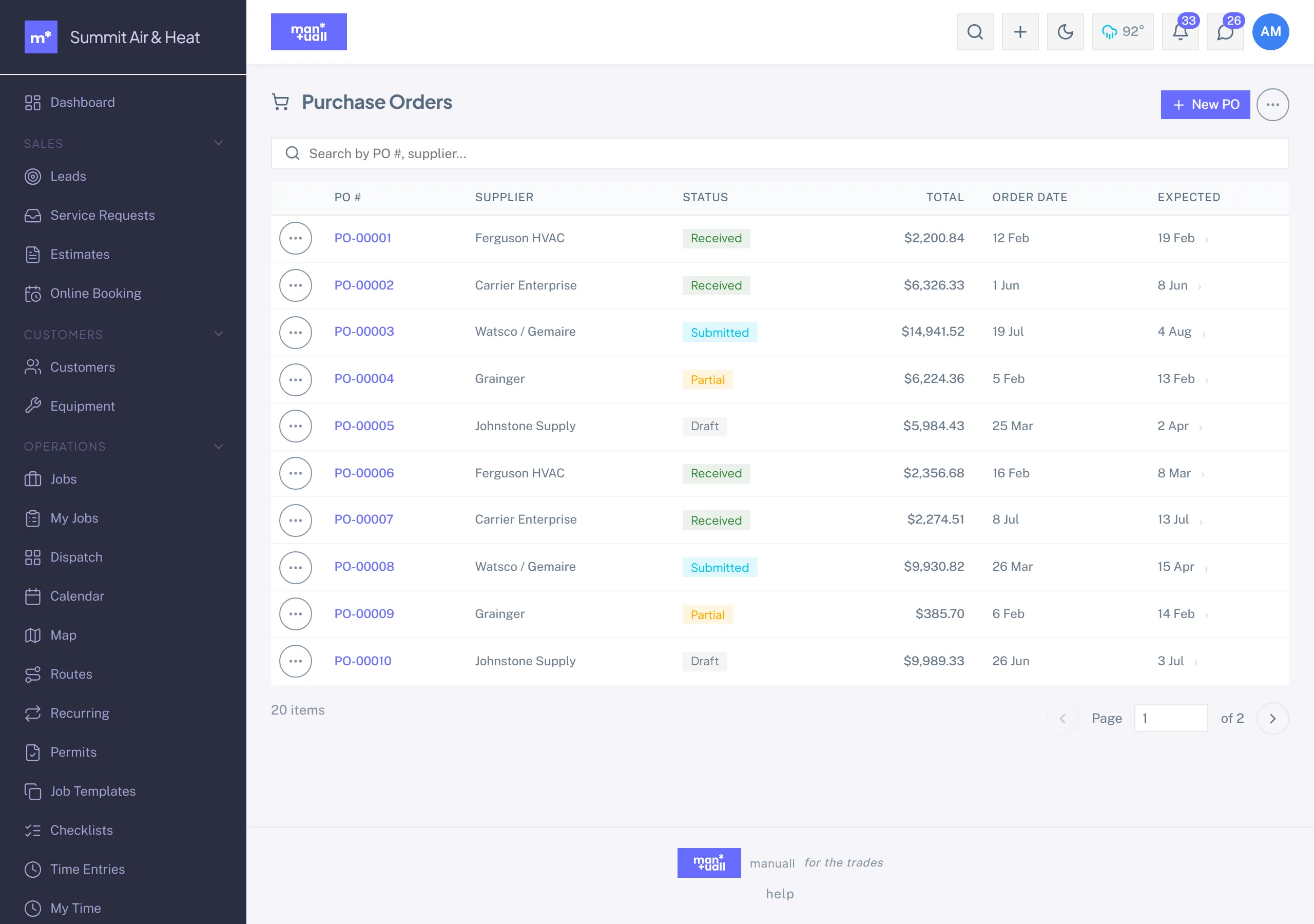
A PO moves through Draft, Submitted, Partial, and Received, with Cancelled and Overdue available too. Print it to PDF to send to your supplier.
Approval workflow
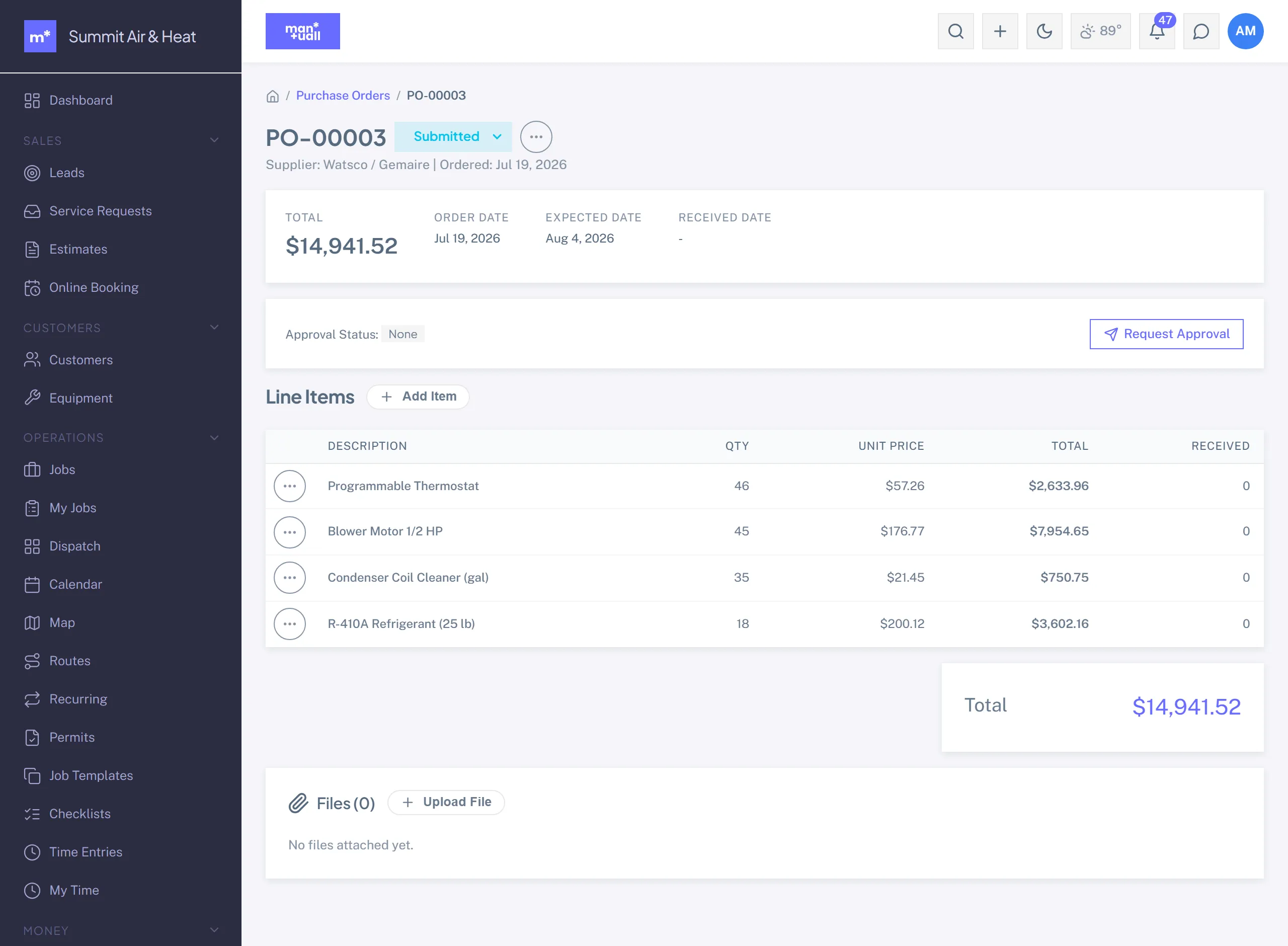
POs carry a separate approval track. Hit Request Approval and the PO goes Pending, notifying your Admins and Managers. They Approve or Reject (with a note). It keeps spend in front of the right eyes before an order goes out.
Receiving
- Open the PO when the order arrives.
- Per line, enter the received quantity (it can differ from ordered).
- Pick the destination location (warehouse by default, or a tech's truck).
- Save. The received quantities credit stock and the PO is marked Received.
Draft from low stock
You don't have to build every PO by hand. From Parts, the Generate Reorder PO action drafts POs for parts below their reorder point, grouped by supplier.
In Analytics
Analytics -> Procurement: open PO value, top suppliers, average PO value, fulfillment rate, procurement cycle time.
Plan tier
Purchase Orders is on Professional and up.