
Parts & Inventory
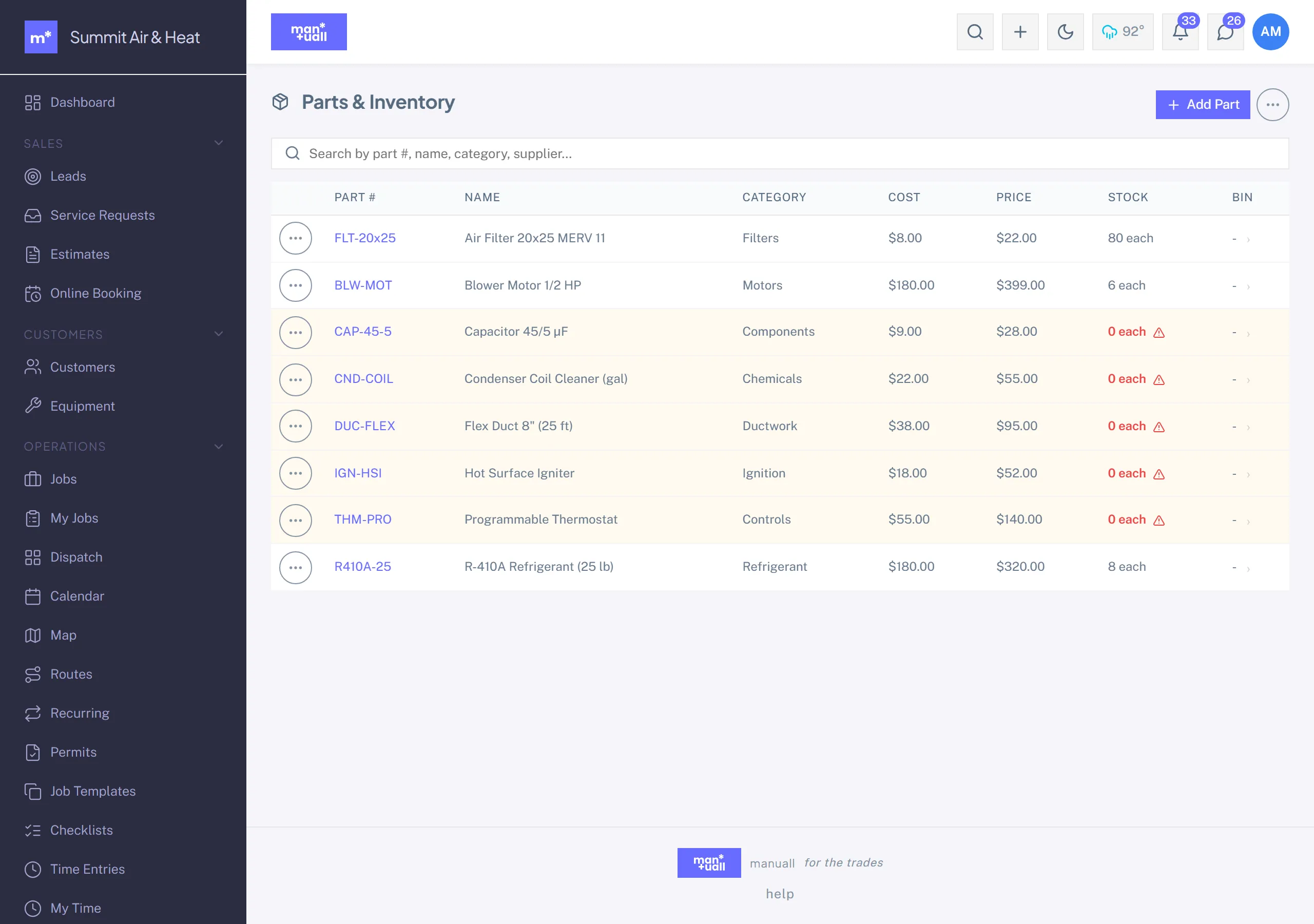
Catalog parts, set reorder points, track stock by location, log use on jobs.
Parts catalog plus stock management. For the full purchasing flow, see Purchasing & Inventory.
Catalog fields
- Part number, name, category.
- Unit (each, box, linear ft, lb).
- Cost (what you pay) and Price (what the customer pays).
- Default supplier (optional).
- Reorder point: the on-hand level that flags a part as low.
Inventory locations
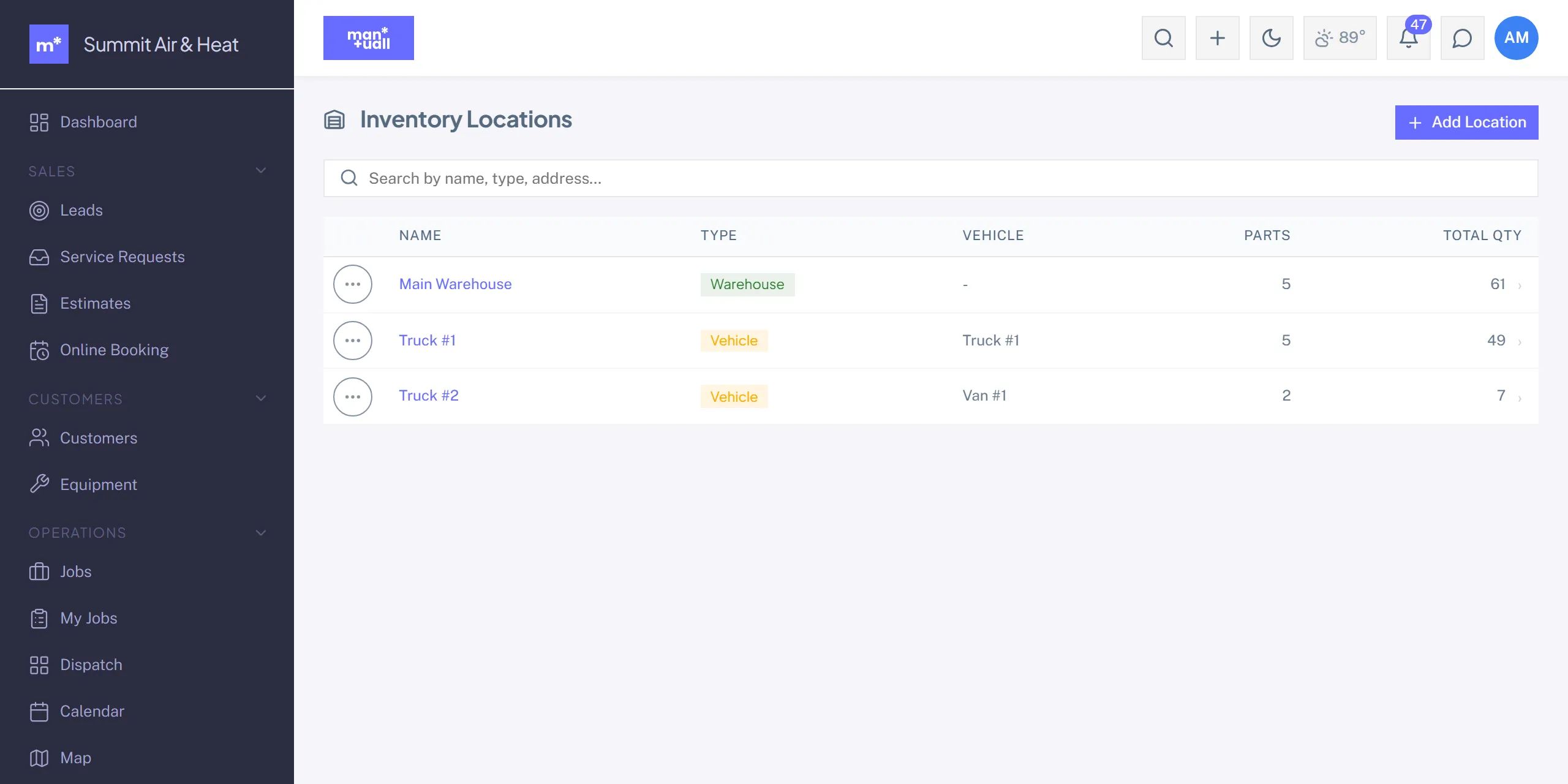
One part can hold stock in several places: the warehouse, each tech's truck, or other spots you define. Stock is tracked per location.
Stock operations
- Transfer: move stock between locations.
- Receive: credit stock from a Purchase Order.
- Use: debit a tech's truck when a part goes onto a job.
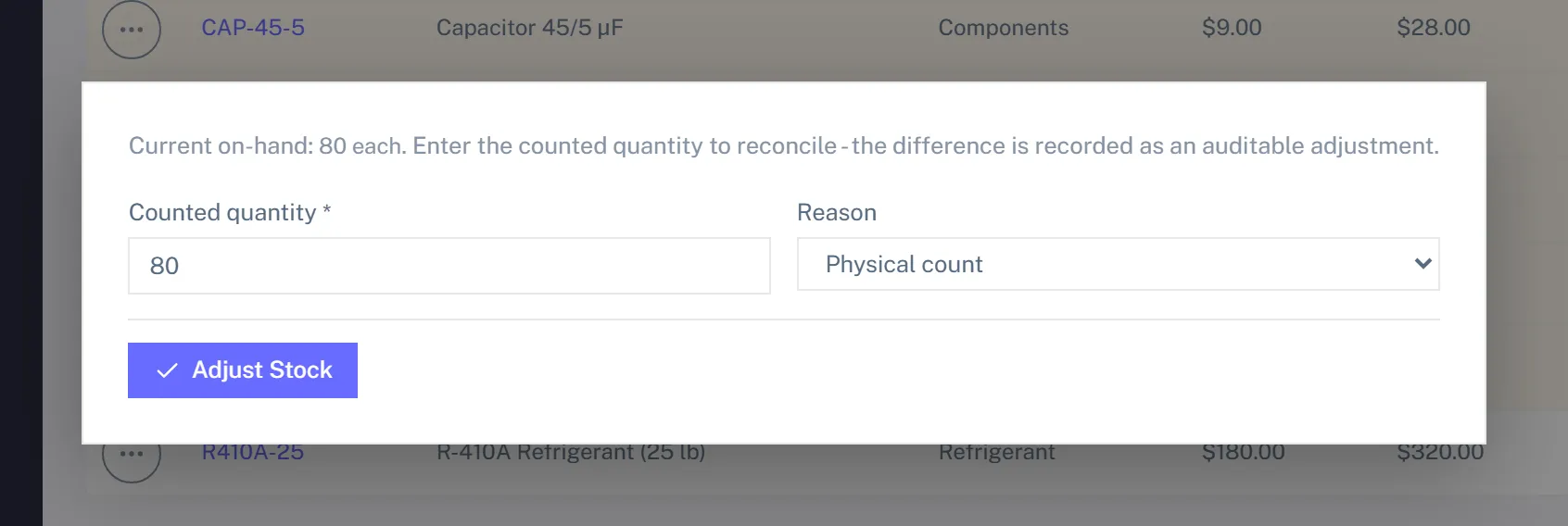
- Adjust: correct on-hand to a counted value.
Every move is recorded append-only, so the history stays audit-friendly.
Low-stock reorder
A part at or below its reorder point gets flagged on the list. The Generate Reorder PO action then drafts purchase orders for the low parts, grouped by supplier, so you can review and send in one pass.
Plan tier
Parts and Inventory is on Professional and up.